

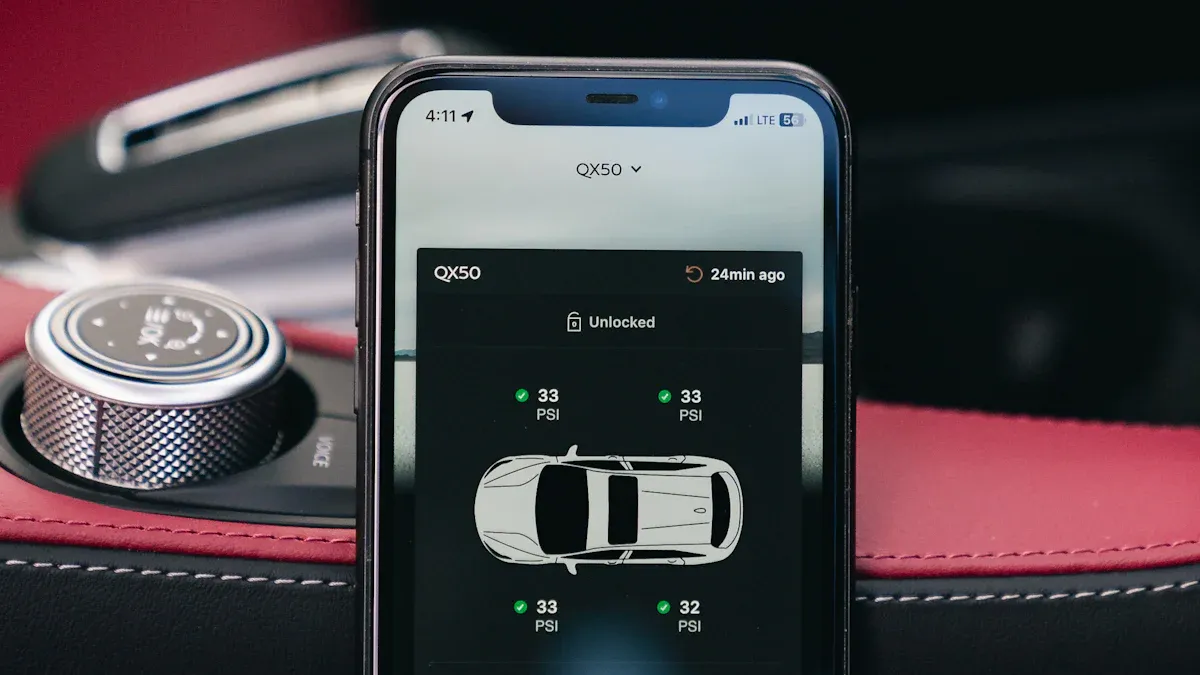
A malfunctioning forward collision warning system creates significant concern. This critical safety feature protects you on the road. When your FCW system failed, it poses serious safety implications. A properly working collision warning system is paramount for driver and passenger safety. These systems can prevent approximately 14% of all motor vehicle crash fatalities. They also lead to 41% fewer overall rear-end collisions. For large trucks, forward collision warning systems reduce rear-end crashes by a significant 44%. This guide offers practical troubleshooting steps to address common issues.
Key Takeaways
A broken Forward Collision Warning (FCW) system makes driving unsafe. It greatly increases your risk of accidents.
Start troubleshooting by checking dashboard lights and doing a simple car restart. Also, clean your car’s sensors.
Your car’s owner’s manual is a good resource. It helps you understand and fix FCW system problems.
If simple steps do not work, check your car’s battery and fuses. You can also use an OBD-II scanner to find error codes.
If problems continue, get professional help. Technicians have special tools to fix complex issues and hardware failures.
Understanding Your FCW System
What Is Forward Collision Warning
Your car’s forward collision warning system acts as an important safety feature. It constantly monitors the road in front of you. This system uses advanced technology to detect potential crashes. It alerts you if you approach another vehicle too quickly. This gives you more time to react and avoid an accident.
These systems rely on several key components. They use sensors, cameras, and radar to scan the environment. Radar sends out radio waves. It measures the distance and speed of objects. Cameras capture images. They identify vehicles, pedestrians, and other obstacles. Sophisticated algorithms then analyze this data. They predict movements and assess collision risks. This predictive analysis helps the system issue timely warnings. Some systems use radar, which works well in bad weather. Others use cameras, which are good at recognizing objects. Many modern vehicles use hybrid systems. These combine both radar and cameras for the most reliable performance.
Why FCW Failure Is Critical
When your forward collision warning system fails, it creates serious safety implications. You lose a crucial early warning tool. This significantly increases your risk of accidents, especially rear-end collisions. Research shows that working FCW systems can greatly reduce crashes. Without this system, you have less time to react to sudden stops or slow traffic. This can lead to dangerous situations on the road.
The National Transportation Safety Board (NTSB) highlights concerns about unreliable systems. Repeated failures can make the system untrustworthy. This could even lead to manufacturer liability in accident cases. Also, these systems have design limits. Sensors may struggle to detect obstacles accurately in bad weather. Heavy rain, snow, or fog can impair their performance. This can cause delayed alerts or a complete failure to warn you. You must understand these limitations and address any malfunctions quickly.
Step 1: Initial Checks When FCW System Failed
When your FCW system failed, start with these immediate actions. They can often resolve minor glitches.
Check Dashboard Warning Lights
First, look at your vehicle’s dashboard. You might see specific warning lights. These lights tell you about system malfunctions. A common light for a forward collision warning system issue looks like a car crashing into another car, often with an exclamation mark. Sometimes, a general “check engine” light or a specific safety system warning light appears. Note which lights are on. This information helps you or a technician diagnose the problem.
Perform a Soft Reset (Car Off/On)
A simple soft reset can often fix electronic issues. Turn your car completely off. Remove the key from the ignition if it has one. Wait for a few minutes, then restart your vehicle. This allows the car’s computer systems to reboot. If this does not work, you can try a more involved soft reset.
Tip: For a deeper reset, you can temporarily disconnect your car’s battery.
Park your car and turn off all electronics.
Wear eye protection and gloves for safety.
Locate the negative terminal on your battery (black cable, minus symbol).
Use a wrench to loosen and remove the nut connecting the cable.
Leave the cable disconnected for at least 15 minutes. This drains residual power from the system.
Securely reconnect the negative terminal.
Start your car. This process can reset many electronic control units, including those for your collision warning system.
Consult Your Owner’s Manual
Your owner’s manual is a valuable resource. It contains specific information about your vehicle’s forward collision warning system. Look for sections on safety features or warning lights. The manual explains what each warning light means. It also provides troubleshooting steps unique to your car model. You can find details on how your specific collision warning system operates. This helps you understand its components and common issues.
Step 2: System Settings and Sensor Integrity
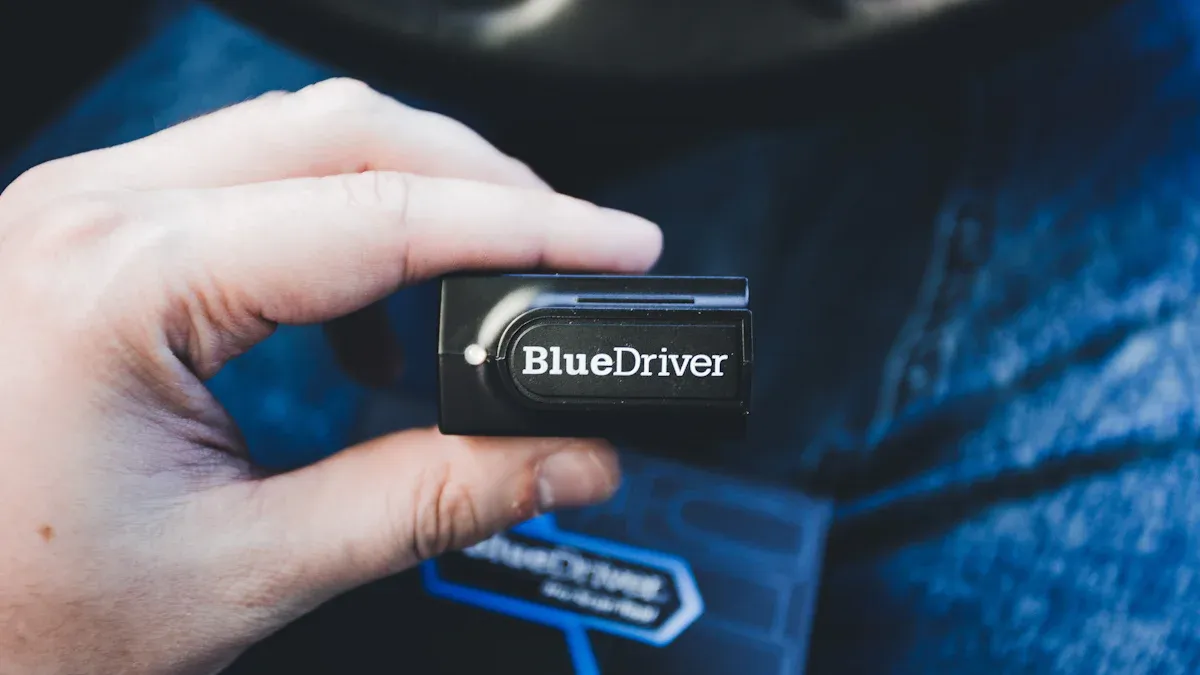
You should check your system settings and visually inspect your car’s sensors. These steps often resolve issues when your FCW system failed.
Verify FCW System Settings
Your car’s infotainment system or dashboard menu allows you to adjust settings for your forward collision warning system. You can often change the distance at which the system alerts you. Options typically include ‘Long,’ ‘Normal,’ or ‘Short’ alert distances. Make sure you have not accidentally set the system to a less sensitive mode. You also have the ability to turn the forward collision warning system off entirely. Check to see if someone inadvertently deactivated the system. Re-enable it if necessary.
Clean Exterior Sensors
Dirt and debris can easily block your car’s sensors. These sensors are crucial for the system to “see” the road. You need to keep them clean. Locate the sensors, usually found in your car’s front grille, bumper, or windshield. Gently clean them with a soft cloth and a mild cleaning solution.
Note: Always use a non-abrasive cleaner. Harsh chemicals can damage sensor surfaces.
Common culprits for dirty sensors include:
Dirt
Mud
Snow
Debris on the windshield or covering sensors
Inspect for Physical Obstructions
Beyond dirt, other physical objects can create sensor obstructions. Look closely at the areas around your sensors. Check for anything that might block their view. This includes items like front-end bras or temporary cardboard placed in front of the grille. Even items placed on the dashboard can interfere with windshield-mounted cameras. Severe weather conditions also act as sensor obstructions. Thick fog, heavy rain, or substantial snowfall can temporarily impair the system’s ability to function correctly. Clear any physical blockages you find. Wait for better weather conditions if environmental factors are the cause.
Step 3: Deeper System Resets and Diagnostics
When initial checks do not fix your forward collision warning system, you need to try more involved steps. These actions can help you find the root cause of the problem.
Reset Via Infotainment Menu
Your car’s infotainment system can sometimes cause glitches. A system reset can clear these issues. Many vehicles have a small “system reset button” you can press with a paper clip or pen. Other cars have specific button combinations. For example, in some Chevy models, you press the Home and Fast Forward buttons together for 10 seconds. The screen will go dark. For newer Chevy systems with Google, you hold the steering wheel’s End Call button for 10 seconds. The system will then restart. You should check your car’s manual for the exact steps for your model.
Check Battery and Fuses
Electrical problems can affect your FCW system. You should check your car’s battery and fuses. If your car has trouble starting or other electrical parts do not work, these checks are very important.
Battery: Make sure your car battery has a full charge. A weak battery can cause many electronic systems to fail.
Fuses: Fuses protect electrical circuits. A blown fuse can stop your FCW system from working. You can find fuses in several places:
Under the dashboard
In the engine bay
In the trunk area Most cars have two main fuse boxes. The engine compartment fuse box holds fuses for engine parts. The interior fuse box has fuses for things like your radio and lights. You should look for fuses related to safety systems or the FCW system in your owner’s manual.
Scan for OBD-II Codes
Modern cars use a system called On-Board Diagnostics II (OBD-II). This system stores trouble codes when something goes wrong. You can buy an OBD-II scanner. You plug this tool into a port under your dashboard. The scanner reads these codes. These codes tell you exactly what part of your car has a problem. This information is very helpful for diagnosing FCW system failures. It can point you to a specific sensor or module that needs attention.
Step 4: Addressing Specific Failure Indicators
When your initial checks do not resolve the issue, you need to look at more specific failure indicators. These can point to deeper problems. Addressing these issues can fix your FCW system failed warning.
Investigate Cylinder Misfires
When your forward collision warning system acts up, a cylinder misfire might be the cause. A code reader can identify which cylinder is misfiring. You might see a “FCW failure warning” on your dashboard. This warning often appears with the misfire indicator. Resolving the misfire condition usually clears the FCW warning. You might need to replace spark plugs or ignition coils. Driving with misfires can harm other parts of your car. It can damage the catalytic converter, especially on bank 2. Unresolved misfires can eventually lead to more serious engine problems. They can even necessitate an engine rebuild.
Check for Software Updates
Your car’s software can affect its systems. Always check for available software updates. These updates can fix bugs and improve how your FCW system works. You can often check for updates through your car’s center display. An in-vehicle notice might appear when you start your car. You can download updates while driving. The download pauses and resumes if you turn off your car or lose connection. Installation usually requires your car to be safely parked. You cannot drive it during this time. The process can take up to 20 minutes. You do not need to stay in the vehicle. Make sure your car has enough battery power for the update to complete.
Examine Wiring and Connections
Damaged wiring or loose connections can cause your FCW system to fail. Look for common signs of electrical problems. These include flickering lights or trouble starting your car. You might also find fuses blowing often. A check engine light can also come on. Rodents can chew through wires. Vibration and heat can also cause wear over time. Check the wiring and connectors for your sensors. Look closely for corrosion or loose parts. Contamination or physical damage can cause sensors to send wrong readings. Clean any corrosion you find. Tighten any loose connections. This can prevent future issues and ensure accurate sensor data.
Step 5: Recognizing Potential Component Failures
You have checked the basics. Now, you need to look for signs of more serious hardware problems. These issues often require professional attention.
Identify Faulty Sensors
Your car’s sensors are vital for the forward collision warning system. If a sensor fails, you will notice specific symptoms.
Dashboard Alerts: You might see text messages like “FCW System Failed.” A “Brake System” indicator might light up in orange. The dedicated FCW/FCI icon could stay on.
Erratic Behavior: The system might beep at an empty road. This is a false positive warning. It might also fail to alert you when you approach a stopped car too quickly.
Intermittent Failures: The system works sometimes but fails at other times. This suggests environmental issues or loose electrical connections.
OBD-II Error Codes: You can use an ADAS and ABS capable scanner. It can read specific codes. Examples include C1A01 for a radar sensor malfunction. U0235 or U0200 indicate communication loss.
Consider ABS/VSA Module Issues
Problems with your Anti-lock Braking System (ABS) or Vehicle Stability Assist (VSA) module can also affect your FCW system. These systems work together.
ABS Warning Light Activation: This is the clearest sign. It shows a fault within the anti-lock braking system. Your safety features are compromised.
Unresponsive or Spongy Brake Pedal: Your brake pedal might feel different. It could require more pressure. It might feel spongy. This often means module communication problems.
Wheels Locking During Braking: Your wheels might lock up during hard braking. This happens without proper ABS function. It leads to skidding and longer stopping distances.
Traction Control System Malfunction: A failing ABS module can trigger traction control errors. It can also shut down the system. This is due to interconnected safety systems.
Speedometer Issues and Erratic Readings: Module failures can cause your speedometer to work on and off. It might show erratic readings. It could fail completely. This happens because wheel speed sensor communication is compromised.
Unintended ABS Activation: You might experience unwanted ABS activation. Your brake pedal could pulse. You might hear a pump noise during gentle stops on dry pavement. This suggests the system misinterprets sensor signals.
Pulsating Brake Pedal Under Normal Conditions: Your brake pedal might pulsate during routine braking. This indicates potential module malfunction. The system engages unnecessarily.
Loss of Electronic Stability Control: A failing module can cause you to lose electronic stability control. It can also affect hill start assist. Other safety features that rely on brake system integration can also fail.
Vehicle Pulling During Braking: Your vehicle might consistently pull to one side during braking. This is especially true with other ABS symptoms. The module may not control brake pressure distribution well.
Suspect Auto Defects
Sometimes, the issue is a known defect from the manufacturer. For example, Tesla issued a recall (21V-846 / SB-21-00-004). This recall affected 11,728 vehicles. The forward collision warning system or automatic emergency brake (AEB) system could unexpectedly activate while driving. This unexpected activation could cause the vehicle to stop suddenly. This increased the risk of a crash. Tesla provided a solution through a service facility or an “over the air” (OTA) software update. Always check for recalls related to your vehicle’s safety systems.
Step 6: When Professional Help Is Essential
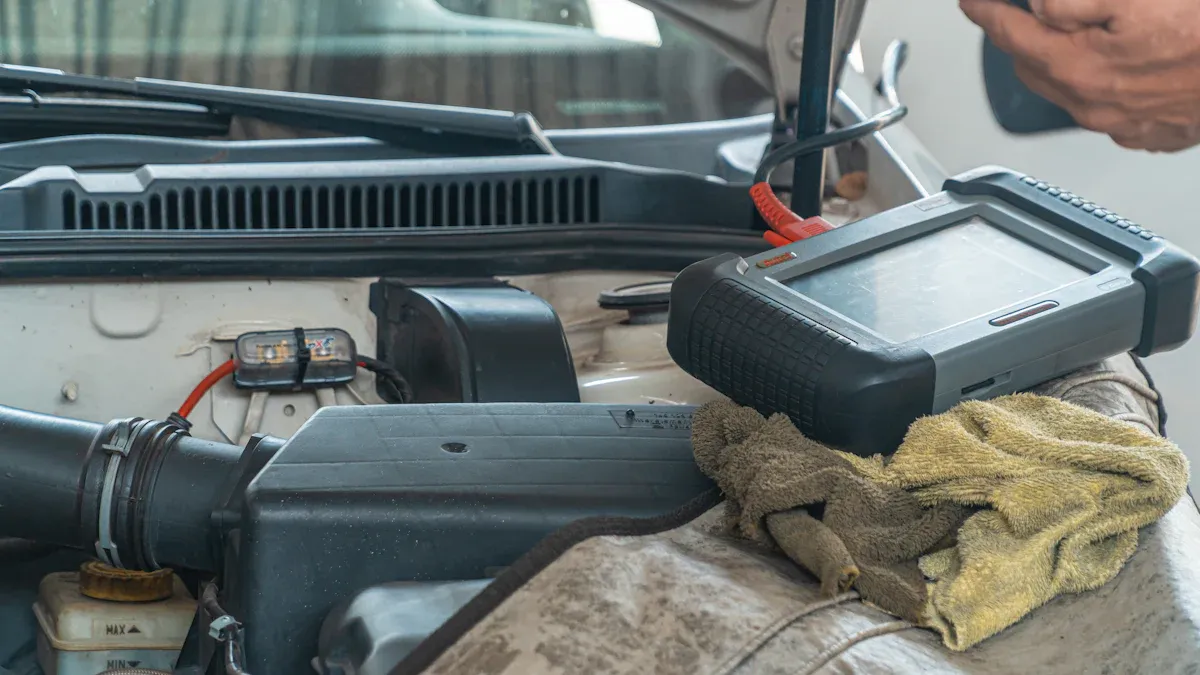
You have tried many troubleshooting steps. Sometimes, you need professional help. Knowing when to stop DIY efforts is important. A professional technician has specialized tools and knowledge.
Persistent Warning Lights
You might see warning lights on your dashboard. These lights tell you about system problems. If these lights stay on after your checks, seek professional help. They indicate a problem beyond simple fixes. Do not ignore persistent warnings.
Complex Diagnostic Codes
Your OBD-II scanner might show diagnostic trouble codes (DTCs). Some codes are simple. Others are very complex. Confirmed DTCs need immediate attention and repair. A professional technician can analyze these codes. They use manufacturer manuals to find the cause of faults. They physically inspect or test components. This includes wiring or sensors. They repair or replace malfunctioning parts. For example, a Komatsu excavator had a NOx sensor code. Technicians retrieved data. They analyzed it with manuals. They found corrosion in the sensor connector. They replaced the sensor and cleaned contacts. This shows the depth of professional diagnosis.
Suspected Hardware Malfunctions
Your FCW system might have a hardware problem. You will see specific signs. Your dashboard might show “FCW System Failed.” The FCW/FCI warning light might stay on. You might get false warnings when no obstacle is present. The system might not warn you when a collision is imminent. Inconsistent system behavior also points to hardware issues. These include erratic intermittent failures. These signs mean a component might be broken.
Post-Accident Inspection
You had an accident. Even a minor one can affect your FCW system. The impact might have moved or damaged sensors. Always have a professional inspect your system after any collision. They ensure all safety features work correctly. This protects you and your passengers.
Step 7: Preventing Future FCW System Issues
You can take proactive steps to keep your forward collision warning system working well. These actions help maintain its reliability. They also ensure your safety on the road.
Regular Sensor Maintenance
Your car’s sensors are its “eyes” for the FCW system. You must keep them clean. Locate the sensors on your car’s front grille, bumper, or windshield. Gently wipe them with a soft cloth and a mild cleaning solution. This removes dirt, dust, and road grime.
A user in a forum discussion about FCW/ACC issues stated, “The cleaning is just on the outer surface which refers to mud or snow, for example. There are no user-serviceable parts, as they say.” This means you should focus on cleaning the external surfaces. Do not try to clean internal components. Common sensor obstructions include mud, snow, and even bugs. Clear these blockages regularly.
Adhere to Vehicle Service Schedules
Following your car’s recommended service schedule is crucial. Regular maintenance checks help prevent issues before they start. Technicians can inspect and calibrate your FCW sensors during these visits. They can also check for any software updates. These updates often improve system performance. Proper service ensures all safety systems work together.
Drive Safely and Defensively
Your driving habits also impact the longevity of your FCW system. Drive safely and defensively. Avoid sudden braking or aggressive maneuvers. This reduces stress on the system’s components. Remember, the collision warning system is a safety aid. It does not replace attentive driving. Always stay alert and aware of your surroundings.
A functional collision warning system is crucial for your safety. When your fcw system failed, it creates serious safety implications. You must act promptly. We explored initial checks, sensor cleaning, and deeper diagnostics. Remember the balance between your DIY efforts and professional intervention. Ignoring these issues has significant safety implications. Vehicle safety systems are non-negotiable. Addressing problems proactively ensures your peace of mind and road safety.
FAQ
Can I drive my car if the FCW system failed?
You can drive your car. However, you lose a key safety feature. Drive with extra caution. Maintain a safe following distance. You must rely more on your own vigilance.
How often should I clean my FCW sensors?
Clean your FCW sensors regularly. Do this whenever they appear dirty. You should also clean them after driving in bad weather. This includes rain, snow, or mud. Clean sensors ensure proper system function.
Will a dead car battery affect my FCW system?
Yes, a dead or weak car battery can affect your FCW system. Many electronic systems need stable power. A low battery can cause glitches or complete system failure. Ensure your battery has a full charge.
How long does an FCW software update take?
An FCW software update can take up to 20 minutes. Your car must be safely parked during this time. You cannot drive it. Make sure your car has enough battery power for the update.
What is an OBD-II scanner?
An OBD-II scanner is a tool. You plug it into your car’s diagnostic port. It reads trouble codes from your car’s computer. These codes help identify specific problems. This includes issues with your FCW system.
