

Hey there! If you own a 2012 Volkswagen Passat, you’re in luck—your car comes with Bluetooth functionality as a standard feature. This means you can enjoy hands-free calling and music streaming without any hassle. With just a few simple steps, you can connect Bluetooth and start enjoying these great benefits. Let’s dive in!
Key Takeaways
Check your device’s compatibility with the 2012 Volkswagen Passat to avoid connection issues and poor audio quality.
Follow the simple steps: start your vehicle, access the Bluetooth menu, pair your device, and enter the PIN for a successful connection.
If you encounter problems, try unpairing and re-pairing your device, checking compatibility, or resetting the infotainment system.
Preparing to Connect Bluetooth
Before you dive into connecting Bluetooth, it’s essential to prepare both your device and your Volkswagen Passat. This preparation can save you time and frustration down the road. Let’s break it down into two key steps.
Check Device Compatibility
First things first, you need to ensure that your smartphone or device is compatible with your 2012 Volkswagen Passat. Not all devices work seamlessly with every car model. Checking compatibility helps you avoid potential issues. Here are some risks associated with not verifying compatibility:
Risk Type | Description |
|---|---|
Connectivity Failures | Inability to connect devices properly, leading to frustration. |
Poor Audio Quality | Reduced sound quality during calls or media playback. |
Inability to Make Calls | Users may not be able to make or receive calls through the vehicle system. |
Taking a moment to check compatibility can save you from these headaches. Most modern smartphones should work fine, but it’s always good to double-check.
Ensure Vehicle is Ready
Next, make sure your Volkswagen Passat is ready for pairing. Start your vehicle and turn on the audio system. You’ll want to access the Bluetooth settings on your car. Here’s how to do that:
Turn on the ignition: Your car needs to be in the “On” position.
Activate the audio system: Press the power button to turn on the radio.
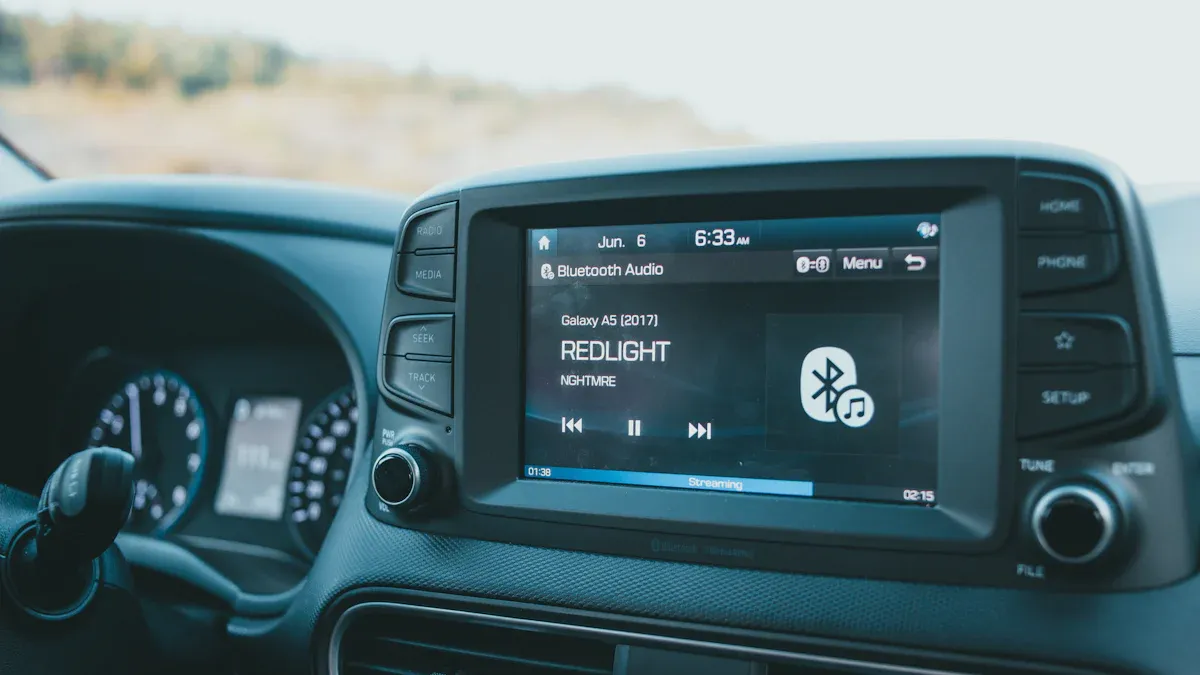
Navigate to the Bluetooth menu: Use the buttons on your dashboard or touchscreen to find the Bluetooth settings.
Once you’ve done this, your vehicle will be ready to connect Bluetooth with your device. It’s a straightforward process, but ensuring everything is set up correctly will make the pairing smoother.
Now that you’re prepared, you can move on to the actual steps for connecting your Bluetooth device.
Steps to Connect Bluetooth
Now that you’ve prepared your device and your Volkswagen Passat, it’s time to connect Bluetooth! Follow these simple steps to get started.
Access Bluetooth Menu
First, you need to access the Bluetooth menu on your car’s audio system. Here’s how:
Turn on your vehicle: Make sure the ignition is in the “On” position.
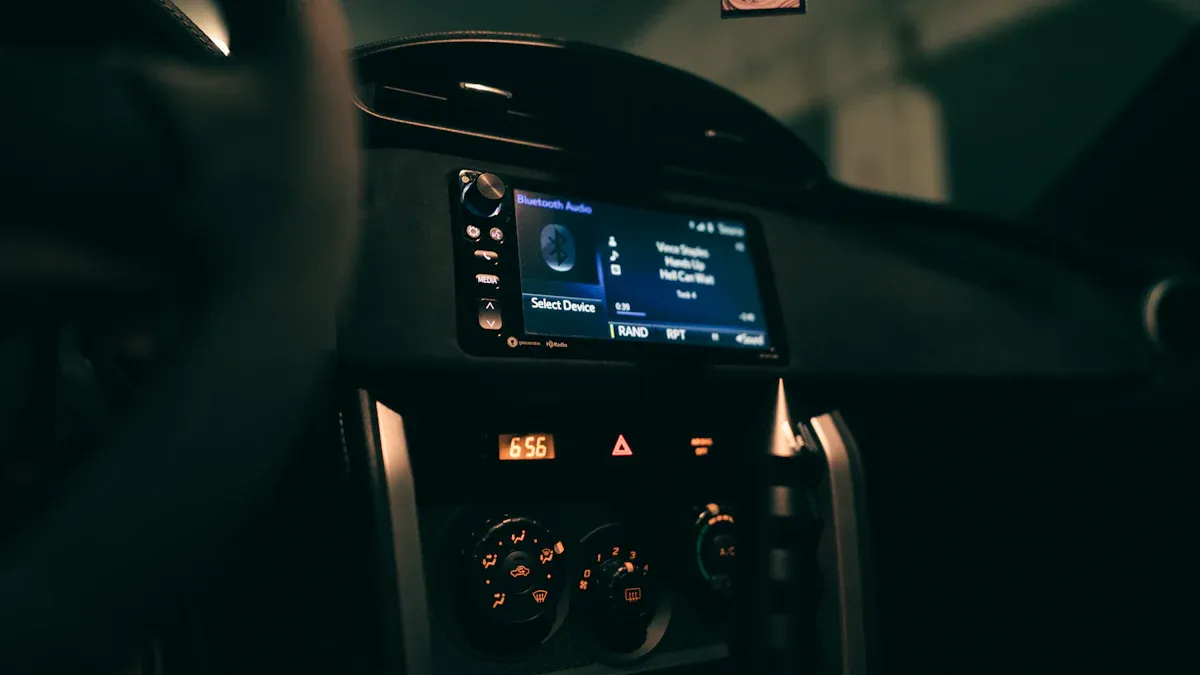
Navigate to the Bluetooth settings: Use the dashboard buttons or touchscreen to find the Bluetooth option. This is usually located under the “Setup” or “Phone” menu.
Once you’re in the Bluetooth menu, your car will start searching for devices nearby.
Pair Your Device
Next, grab your smartphone or device and prepare to pair it with your Passat. Here’s what you need to do:
Open Bluetooth settings on your device: Go to the settings app on your phone and turn on Bluetooth. Make sure your device is discoverable.
Select your vehicle: Look for your Volkswagen Passat in the list of available devices on your phone. Tap on it to initiate the pairing process.
Typically, pairing your device should take no longer than 3 minutes after you turn on the ignition. Here’s a quick reference table for your convenience:
Action | Time Limit |
|---|---|
Pairing after ignition | 3 minutes |
Enter the PIN
After selecting your vehicle, your Passat will prompt you to enter a PIN. This step is crucial for establishing a secure connection. Here’s how to proceed:
Check the display: Your car will show a PIN code on the screen.
Enter the PIN on your device: Type in the PIN code displayed on your car’s screen into your smartphone.
Once you enter the correct PIN, your device should connect Bluetooth successfully. If you encounter any issues during this process, don’t worry! Here are some troubleshooting steps you can follow:
Check the Phone’s Bluetooth Settings: Ensure Bluetooth is enabled on your phone and that it is visible to the VW system.
Check for Phone Compatibility Issues: Verify that your phone is compatible with the VW Bluetooth system and check for any software updates.
Disable Battery Optimization: Prevent your phone from disabling Bluetooth connections when the screen is off.
Delete Existing Pairings: Remove any previous pairings from both the car and the phone to start fresh.
Remove Other Bluetooth Devices: Disconnect any other Bluetooth devices that may interfere with the pairing process.
Conduct A Reset: If all else fails, reset the VW’s infotainment system to resolve software-related issues.
By following these steps, you should be able to connect Bluetooth without any hassle. Enjoy your hands-free calls and music streaming!
Troubleshooting Bluetooth Connection
Sometimes, you might run into issues when trying to connect Bluetooth in your 2012 Volkswagen Passat. Don’t worry! Here are some common problems and solutions to help you out.
Connection Issues
Many users report difficulties maintaining Bluetooth connections. You might experience authorization failures during pairing attempts or find that newer devices struggle to connect with the car’s older Bluetooth version. Here are some tips to resolve these issues:
Unpair and Re-pair: Remove your device from the car’s Bluetooth menu and vice versa. Then, try to connect Bluetooth again.
Check Compatibility: Ensure your device is compatible with the Passat’s Bluetooth system. Sometimes, newer smartphones may have trouble connecting.
Audio Quality Problems
If you notice poor audio quality during calls, you’re not alone. Many users have shared similar experiences. Here are some common causes and solutions:
Bluetooth Audio Compression: Higher-quality codecs like AAC or aptX can improve sound performance. Check if your device supports these codecs.
Signal Strength: Keep your phone close to the receiver to minimize interference. A strong connection can enhance audio quality.
Smartphone Settings: Adjust your phone’s audio settings. Enabling higher-quality codecs and tweaking equalizer settings can make a difference.
Resetting Bluetooth
If you still face issues, resetting the Bluetooth system might help. Follow these steps:
Unpair Devices: Delete your phone from the VW’s Bluetooth menu and remove the VW from your phone’s Bluetooth settings. Also, unpair any other devices.
Reset the Infotainment System: Turn on your vehicle, then press and hold the power button on the infotainment system for about 15 seconds. The screen will go black, and the system will reset to factory settings. After this, try to connect Bluetooth again.
By following these troubleshooting tips, you should be able to resolve most Bluetooth issues in your Passat. Enjoy your hands-free experience!
Connecting Bluetooth in your 2012 Volkswagen Passat is easy! Just follow these steps: start your vehicle, access the Bluetooth menu, pair your device, and enter the PIN. Remember, troubleshooting is part of the process. If you face issues, refer back to this guide. Enjoy hands-free calls and music! 🎶
Tip: A properly connected Bluetooth system enhances safety and improves your overall driving experience.
FAQ
How do I know if my phone is compatible with my Passat?
Check your phone’s Bluetooth version. Most modern smartphones work well, but older models may have issues.
What should I do if my device won’t connect?
Make sure Bluetooth is enabled on your device. Restart both your phone and the car’s audio system to refresh the connection.
Can I connect multiple devices to my Passat?
No, the Passat can only connect to one device at a time. You’ll need to disconnect the current device to pair a new one.



