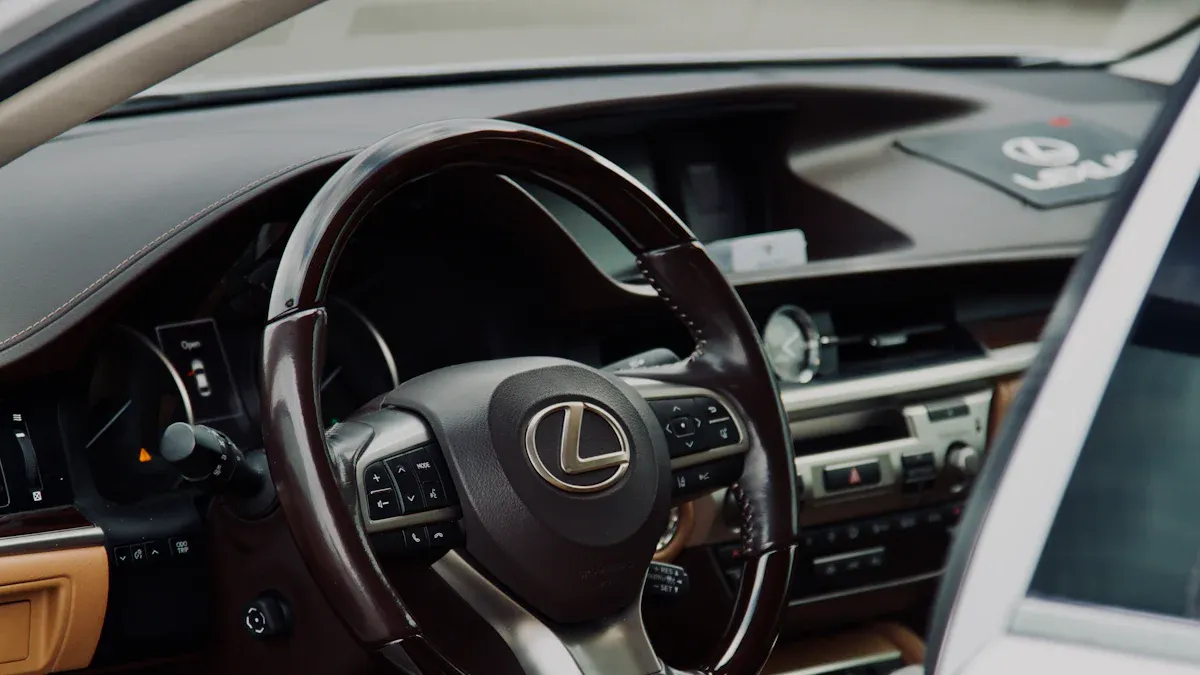
Ambient lighting plays a crucial role in making your driving experience more enjoyable. It creates a warm and inviting atmosphere, transforming your Lexus RX 350 into a personal oasis. This feature not only adds a touch of luxury but also boosts your overall satisfaction on the road. By adjusting the lexus ambient lighting, you can enhance comfort and elevate your mood during commutes. Let’s explore how to change ambient lighting and customize it to fit your style!
Key Takeaways
Access the ambient lighting settings through the infotainment system by navigating to MENU, then SETUP, and finally VEHICLE CUSTOMIZATION.
Choose from a variety of color options and preset themes to create the perfect atmosphere in your Lexus RX 350.
Adjust the brightness of the ambient lighting using the brightness control slider to enhance comfort during day and night driving.
If you encounter issues with the ambient lighting, check the brightness settings and consider resetting the system for troubleshooting.
Customizing your vehicle’s ambient lighting adds a personal touch and enhances your overall driving experience.
Access Settings
To change the ambient lighting in your Lexus RX 350, you first need to access the settings. This process is straightforward and can be done through the infotainment system. Here’s how you can navigate to the ambient lighting settings:
Press MENU on the Lexus Enform Control Pad or Touchscreen Display.
Select the SETUP icon.
Choose the VEHICLE SETTINGS icon.
Tap on VEHICLE CUSTOMIZATION.
From here, you can explore options like Door Lock Settings, Climate Settings, Light Settings, and other vehicle settings.
Accessing these settings allows you to personalize your driving experience. The Lexus ambient lighting feature is just one of the many ways you can customize your vehicle to reflect your style and preferences.
Using the Infotainment System
The infotainment system in your Lexus RX 350 is designed to be user-friendly. You can easily navigate through the menus to find the ambient lighting options. This system not only controls the lighting but also integrates various features that enhance your driving experience.
Vehicle Customization Menu
The vehicle customization menu offers a range of options for your interior ambient lighting. Here’s a quick overview of some features you might find:
Feature Type | Description | Price Range |
|---|---|---|
Feature Leaders | 256 Colors, Symphony dynamic effects, Crystal Style with app control | $220-$240 |
Value & Volume Leaders | Strong smart features, 21-in-1, plug-and-play, high buyer activity | $87-$115/set |
OEM Integration Focus | 1:1 Mold compatibility for seamless fitment, OEM-like appearance | ~$180/set |
Niche Solutions | 17-LED Black Wood Grain kit, specific Door Bowl Lights for targeted areas | Varies |
With these options, you can truly make your Lexus RX 350 feel like your own. Whether you prefer a calming blue or a vibrant red, the choice is yours.
By exploring the settings menu, you can change ambient lighting to suit your mood or the occasion. So, take a moment to dive into the customization options and see what fits your style best!
Change Ambient Lighting Colors
When it comes to changing the ambient lighting in your Lexus RX 350, you have a world of color options at your fingertips. This feature allows you to create the perfect atmosphere for any drive, whether you’re commuting to work or heading out for a weekend adventure. Let’s dive into the available color options and how you can customize themes to suit your style.
Available Color Options
Your Lexus RX 350 offers a variety of color options for the ambient lighting, allowing you to personalize your interior lights. Here’s a quick look at some of the choices you can explore:
Color Options | Themes Available |
|---|---|
Custom Color Palette | Rainforest |
Sunset | |
Daylight White |
With this range of colors, you can easily set the mood inside your vehicle. Whether you prefer a calming blue or a vibrant sunset hue, the choice is yours. The custom color palette lets you mix and match to find the perfect shade that resonates with your personality.
Customizing Themes
In addition to individual colors, your Lexus RX 350 also features preset ambient lighting themes. These themes can enhance your driving experience by creating a cohesive look throughout the interior. Here’s how you can apply these themes:
Ambient lighting is standard in the F-Sport model, but it may not be included in the Premium Package.
The themes available include options like Rainforest and Sunset, which provide a unique ambiance.
You can easily switch between themes using the infotainment system, allowing you to adapt the lighting to your mood or the time of day.
To apply a theme, simply navigate to the ambient lighting settings in the vehicle customization menu. From there, select your desired theme, and watch as your interior transforms. The subtle glow of the ambient lighting enhances the overall aesthetic, making your drives more enjoyable.
By experimenting with different colors and themes, you can create a personalized environment that reflects your style. So go ahead, change the ambient lighting and make your Lexus RX 350 feel like home on the road!
Adjust Brightness Levels
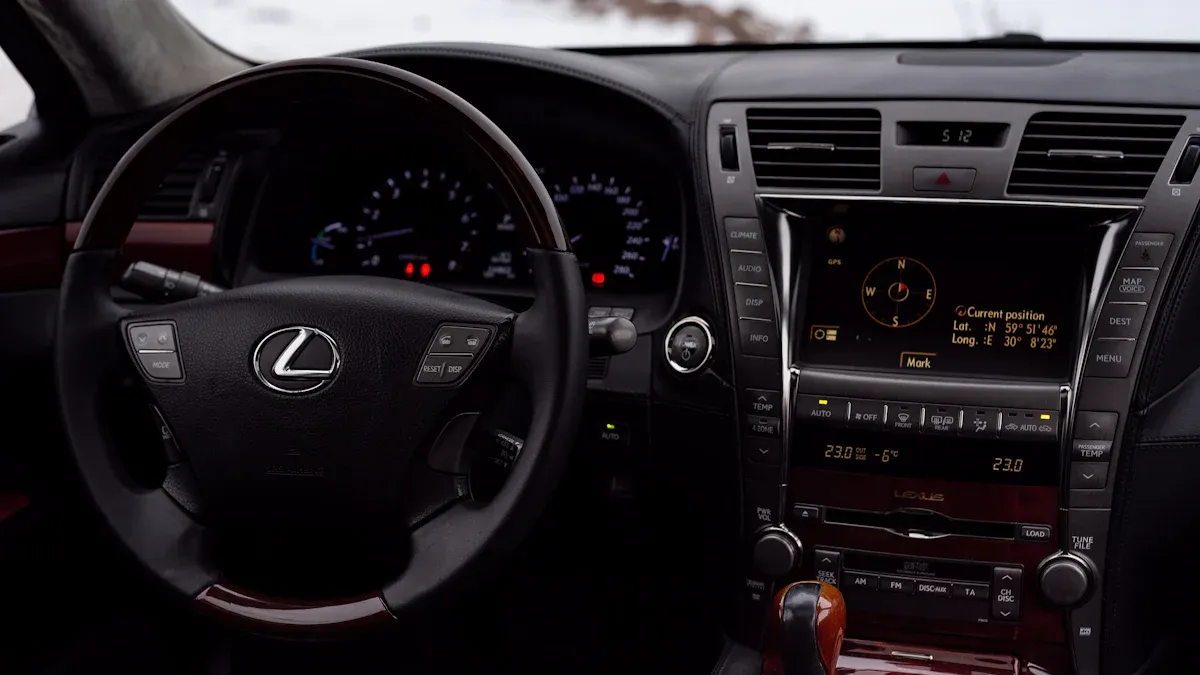
Adjusting the brightness of your Lexus ambient lighting can significantly enhance your driving experience. You want to ensure that your interior lights create the perfect atmosphere, whether you’re driving during the day or at night. Here’s how you can control the brightness levels effectively.
Brightness Control Features
To change ambient lighting brightness in your Lexus RX 350, follow these simple steps:
Access the ambient lighting settings through the infotainment system.
Look for the brightness control slider. This feature allows you to increase or decrease the intensity of the interior lights.
Slide the control left to dim the lights or right to brighten them.
This intuitive control makes it easy for you to adjust Lexus interior lights to your liking. You can find the perfect balance that suits your mood or the time of day.
Optimal Settings
Finding the right brightness level can depend on various factors. Here are some tips to help you achieve optimal settings:
Daytime Driving: During the day, you might want brighter lights to ensure visibility without straining your eyes. A higher brightness setting can help you see the controls clearly.
Nighttime Driving: At night, softer lighting can create a calming atmosphere. Lower the brightness to avoid distractions and enhance your focus on the road.
Weather Conditions: On cloudy or rainy days, consider adjusting the brightness to a higher level. This adjustment can help combat the dullness outside and keep your interior lively.
Personal Preference: Ultimately, the best brightness level is what feels comfortable for you. Don’t hesitate to experiment with different settings until you find the perfect ambiance.
By taking the time to adjust your Lexus ambient lighting, you can create a welcoming environment that enhances your overall driving experience. So go ahead, play around with those brightness settings, and enjoy the ride!
Troubleshooting Lexus Ambient Lighting
Sometimes, you might encounter issues with your Lexus ambient lighting. Don’t worry; these problems are common and often have simple solutions. Here are some common issues you may face and how to resolve them.
Lighting Not Responding
If your ambient lighting isn’t responding, it can be frustrating. Here are a few steps you can take to troubleshoot:
Check the Brightness level in the Illumination settings for all zones. Sometimes, the brightness might be set too low, making it seem like the lights aren’t working.
Ensure that the settings for how long the internal lights should glow when the door opens are enabled. If this setting is off, you might not see the lights activate as expected.
You might also notice reflections from the navigation screen or instrument panel at night. A user reported seeing these reflections on the windshield and driver’s side window, which can be distracting. This issue has been acknowledged by dealers and reported to Lexus, so you’re not alone if you’ve experienced it.
Resetting the System
If the above steps don’t work, you may need to reset the system. Here’s how you can do that:
Turn off your vehicle and remove the key from the ignition.
Wait for about 10 minutes to allow the system to reset.
Restart your vehicle and check if the ambient lighting responds.
If the problem persists, consider visiting your local Lexus dealer for further assistance. They can help diagnose any underlying issues with the ambient lighting system.
By following these troubleshooting steps, you can quickly resolve most issues with your Lexus ambient lighting. Remember, keeping your interior lights functioning properly enhances your driving experience and ensures a comfortable atmosphere on the road.
Changing the ambient lighting in your Lexus RX 350 is simple and fun! You can access the settings through the infotainment system, choose from a variety of colors, and adjust the brightness to fit your mood.
Remember, customizing your vehicle adds a personal touch. Check out how different settings can enhance your driving experience:
Aspect | Description |
|---|---|
Vehicle Personalization | Customizable color options and dynamic effects enhance the personal touch in the vehicle. |
Perceived Cabin Quality | Ambient lighting contributes to a luxurious and sophisticated atmosphere within the cabin. |
Night-time Driving Ergonomics | Improved visibility and comfort during night driving enhance overall safety and enjoyment. |
So, go ahead and play around with those settings! You’ll create an inviting atmosphere that makes every drive enjoyable.
FAQ
How do I reset the ambient lighting settings in my Lexus RX 350?
To reset the ambient lighting settings, turn off your vehicle and remove the key. Wait for about 10 minutes, then restart your vehicle. This should refresh the system and restore the default settings.
Can I change the color of the ambient lights while driving?
It’s best to change the color of your Lexus interior lights when parked. Adjusting settings while driving can distract you and compromise safety. Take a moment to pull over before making changes.
What should I do if the ambient lighting is too dim?
If the ambient lighting seems too dim, check the brightness control in the settings. You can easily adjust the brightness slider to increase the intensity of the lights to your preference.
Are there any special features for ambient lighting in the F-Sport model?
Yes! The F-Sport model includes unique ambient lighting features, such as dynamic effects and a wider range of color options. These enhancements elevate the overall driving experience.
How can I customize the ambient lighting themes?
You can customize the ambient lighting themes through the vehicle customization menu in the infotainment system. Select your desired theme, and the interior will transform to match your chosen ambiance.